


Meesho Integration
Autofill single or bulk product catalog forms on Meesho Seller Panel instantly with captured templates.
 A+ Studio Chrome Extension
Deploy the Manifest V3 extension to capture listing templates in 1-click, preview AI autofill attributes, and instantly populate listing forms on seller portals.
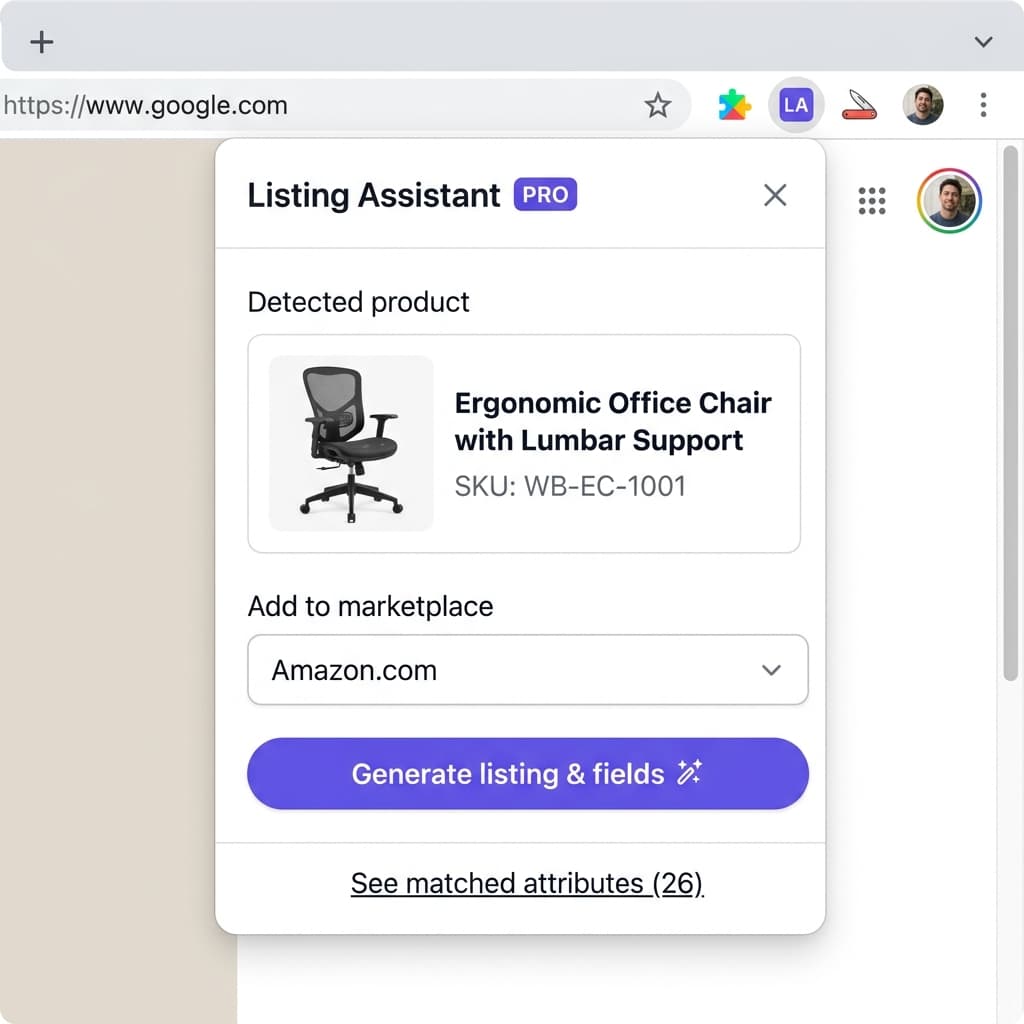
Autofill single or bulk product catalog forms on Meesho Seller Panel instantly with captured templates.

Beta integration supporting description enrichments, size variations, and automated pricing calculations.

Coming soon: Automate inventory template sheets, high-quality images, and bullet point generation directly.
No backend secrets or API keys stored locally in the extension
Your data is safe, fully encrypted, and complies with MV3 policies
Lightweight background worker with sub-second form fill speed
Audit trail of every template saved, populated, or modified
Download the A+ Studio Chrome extension from the Chrome Web Store or install it as an unpacked extension from your A+ Studio dashboard. Once installed, you will see the A+ Studio icon appear in your Chrome toolbar. Log in using your A+ Studio credentials — the same email and password you use on the website. The extension connects to your account in real time so your saved templates are always in sync.
Open the Meesho supplier panel and navigate to the catalog listing form. Click the A+ Studio extension icon to open the sidebar, select the template that matches your product, then click Autofill. The extension reads every visible field — product title, price, description, colour, size, material, weight and all category-specific attributes — and fills them automatically. It handles multi-size grids, dropdowns and radio buttons that are standard across Meesho’s 1,000+ categories.
When you manually fill in a Meesho or Flipkart listing form, the A+ Studio extension can capture all the field values into a reusable template with a single click. This means you never have to type the same product attributes twice. Build a library of templates for your most common product categories and variants — the extension saves them to your account so they are available across devices and browser sessions.
The A+ Studio Chrome extension also supports Flipkart’s seller hub listing forms in beta mode. It captures and fills fields including product name, brand, description, HSN code, MRP, selling price and key attributes across Flipkart’s categories. Full Flipkart support — including all category-specific attribute grids — is in active development and rolling out progressively.
The A+ Studio extension never auto-submits a form, never reads your bank or payment data, and never captures data from pages unrelated to marketplace listing forms. It only activates on whitelisted domains — Meesho’s supplier panel, Flipkart’s seller hub, and the A+ Studio dashboard. All communication between the extension and our servers uses HTTPS. Your login session is stored in a secure HTTP-only cookie — never in localStorage or extension storage.